features
everything you need to coordinate humans and AI agents on complex projects
dashboard
TUI
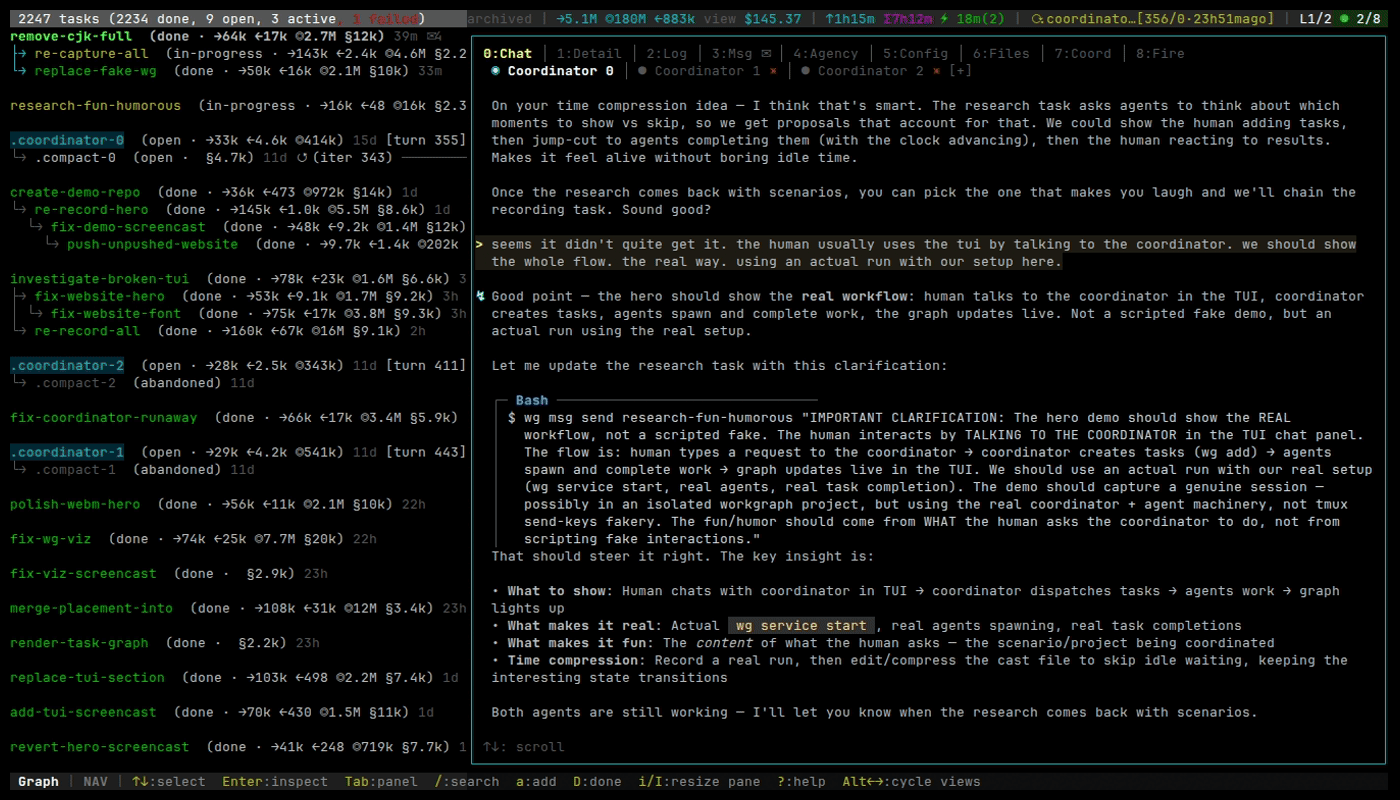
A split-pane terminal dashboard shows your task graph alongside a detail inspector. Status bars display real-time counts of open, in-progress, and completed tasks. Navigate with keyboard shortcuts — no mouse required.
graph explorer
TUI
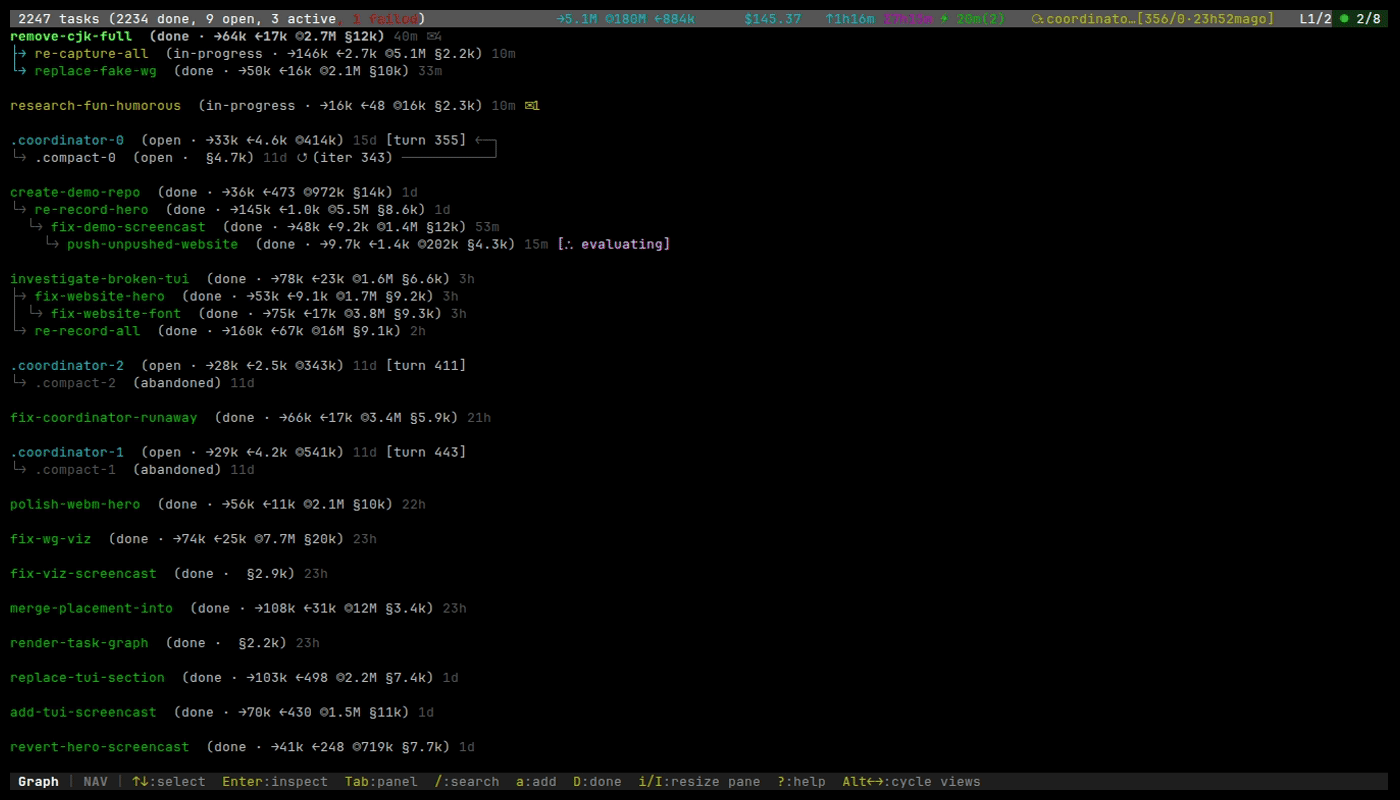
Visualize your entire dependency graph as a tree with Unicode arrows showing relationships between tasks. Cycle indicators mark iterative workflows. Resize the view or go fullscreen for complex graphs.
inspector panel
TUI
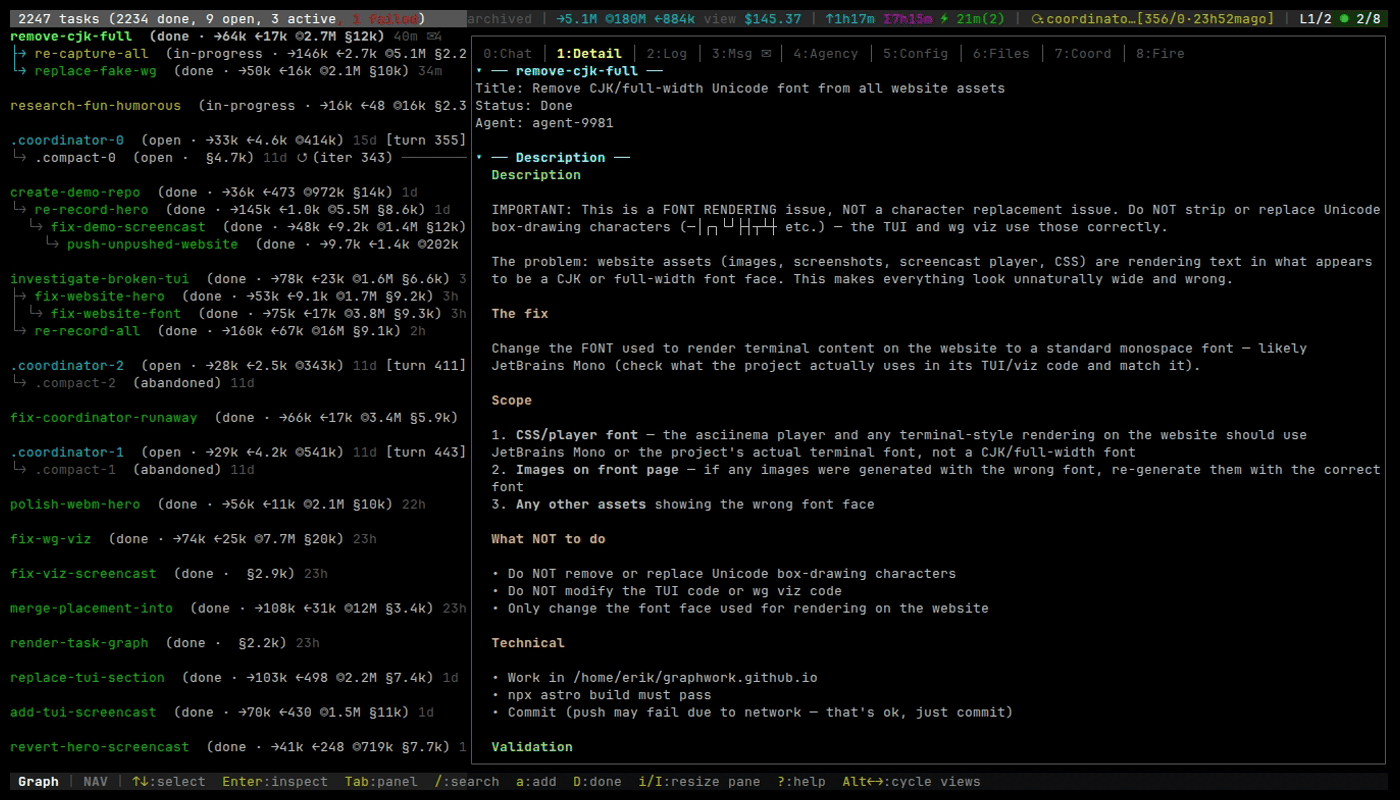
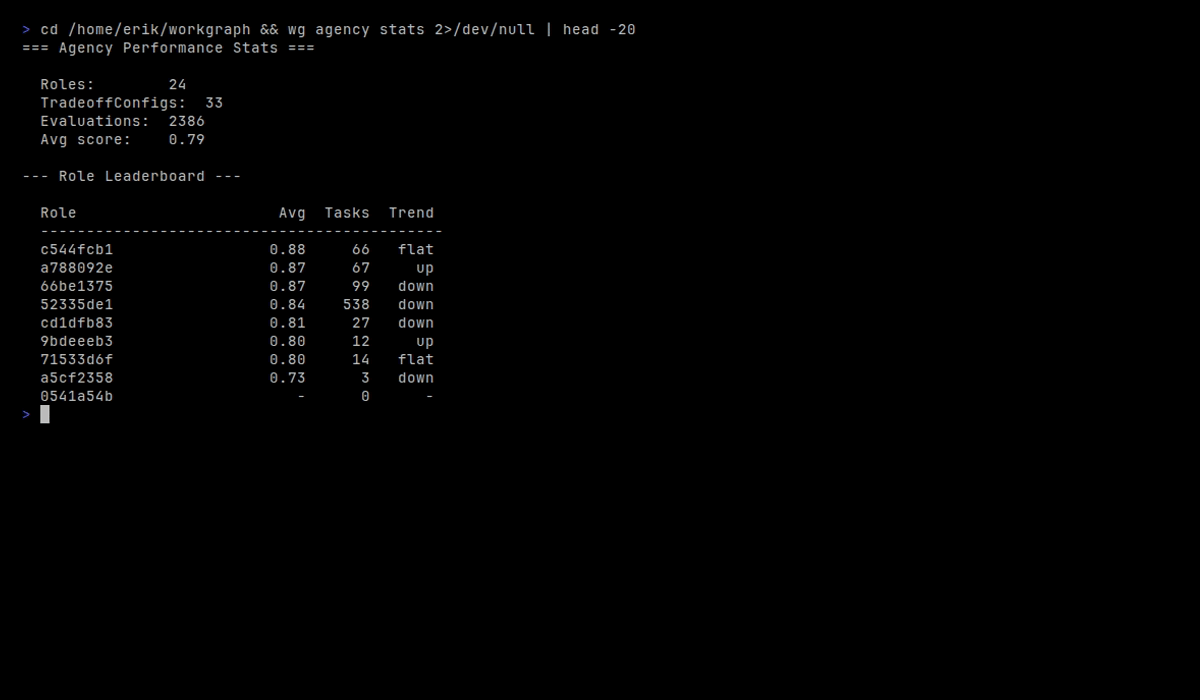
Nine tabs of context for any selected task: Detail, Log, Messages, Agency, Config, Files, Coordinator Log, Chat, and Firehose. Switch tabs with number keys. The inspector renders markdown descriptions and shows live-updating logs.
agent coordination
CLI
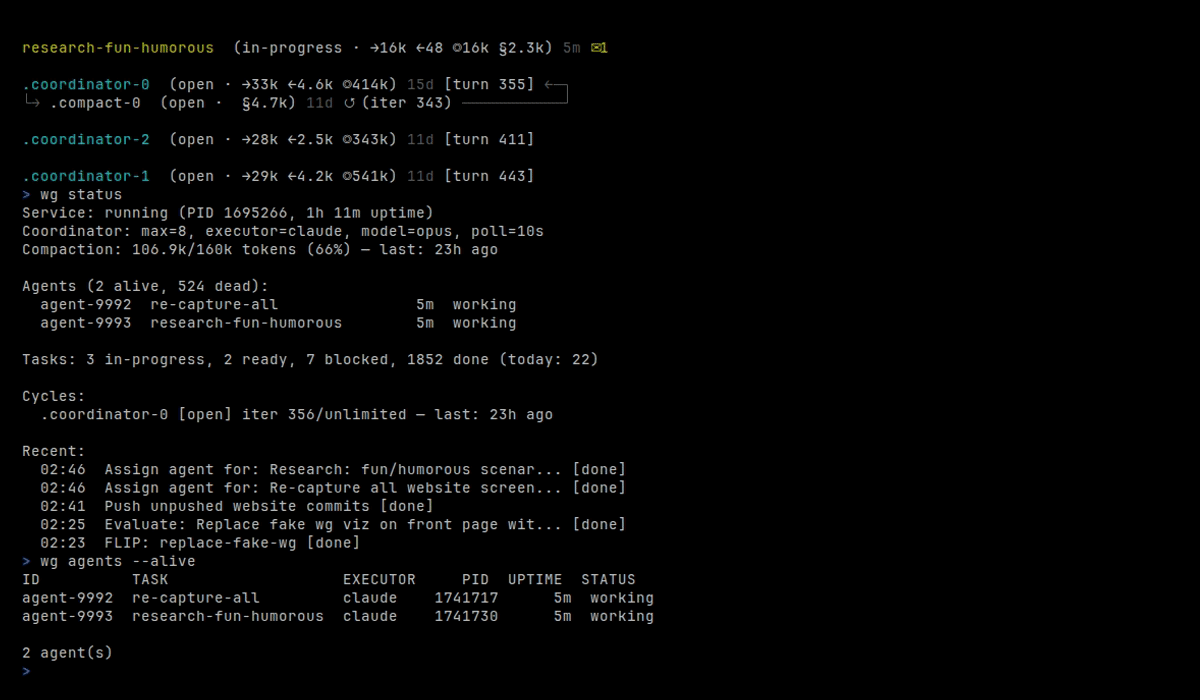
A coordinator service dispatches AI agents to ready tasks automatically. Each agent gets its own git worktree for isolation — no merge conflicts between parallel workers. Monitor agent status, token usage, and task assignments in real time.
evaluation system
CLI
Every completed task can be evaluated with FLIP scoring (fidelity via latent intent probing). Verification gates ensure work meets acceptance criteria before marking done. Performance data drives an evolution cycle that creates and retires agent roles.
cycles
CLI
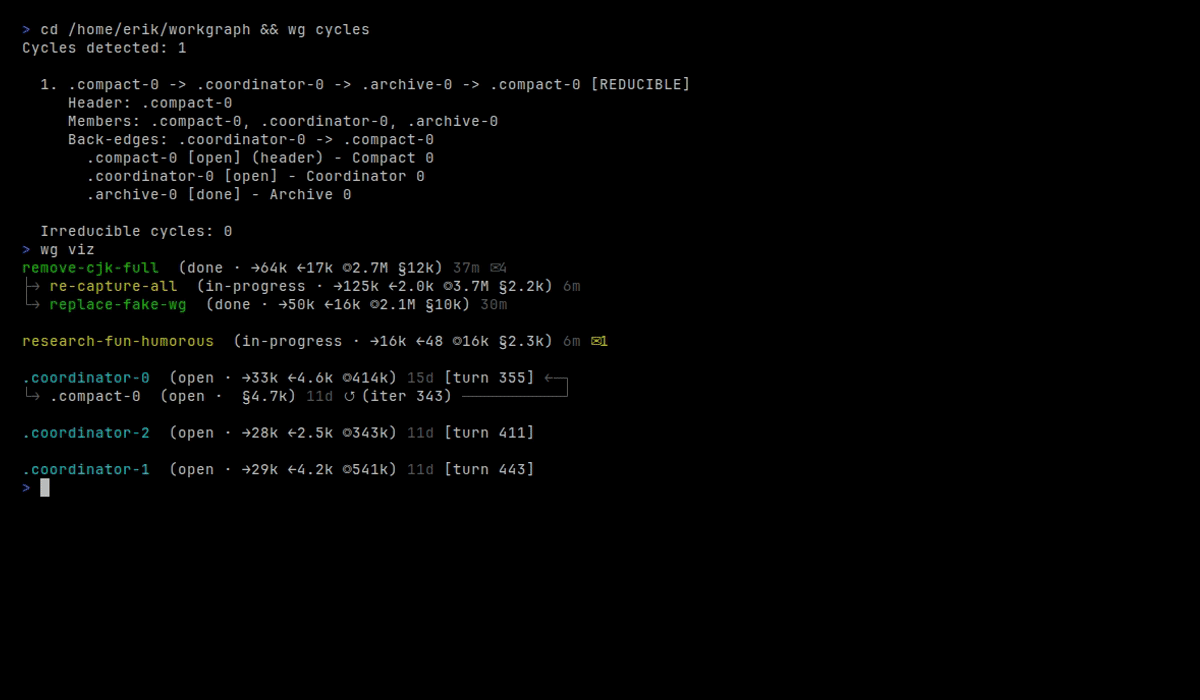
Workgraph is a directed graph, not a DAG — it supports dependency cycles with
bounded iterations. CI pipelines, convergence loops, and review workflows
are first-class. Use --converged to signal when work has stabilized.
messaging
TUI
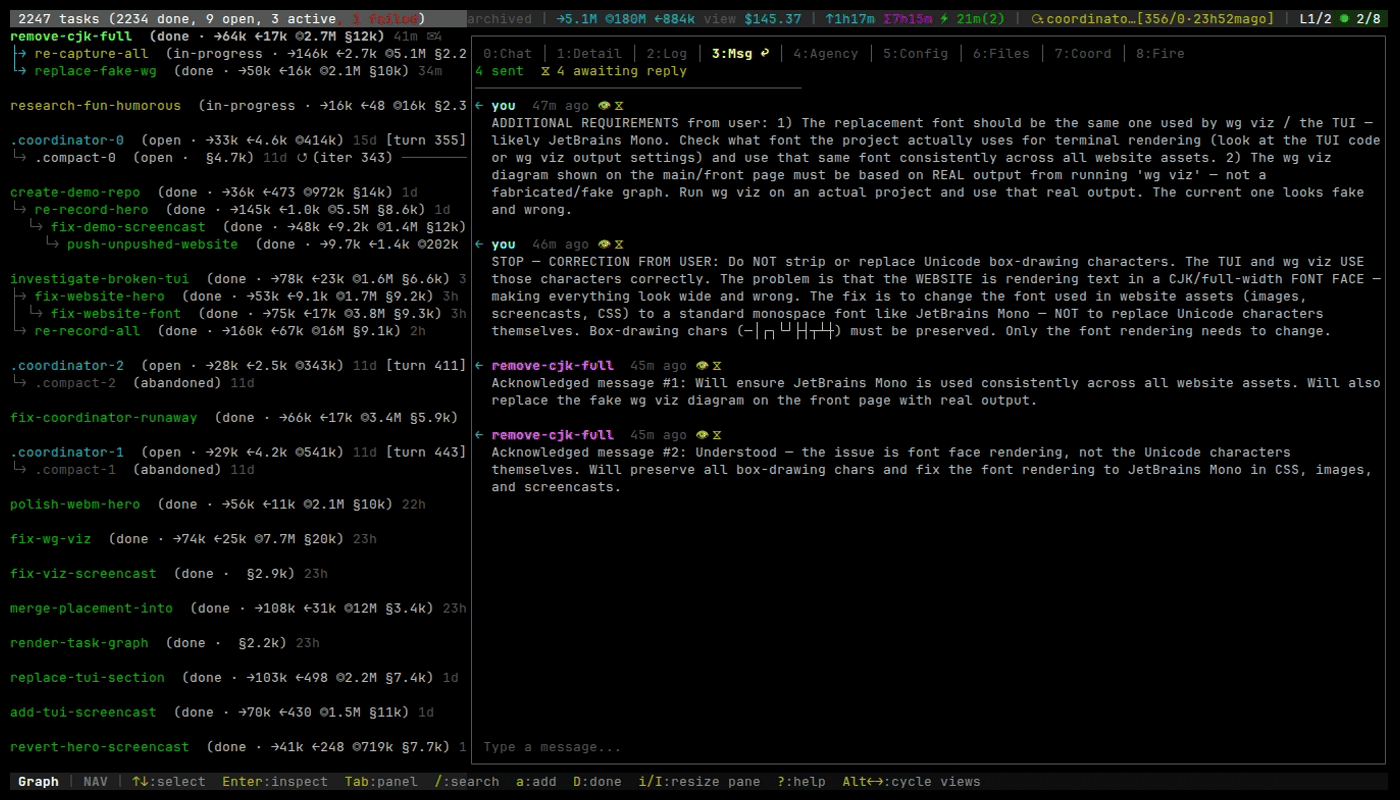
Send messages between tasks, agents, and the coordinator directly from the TUI. Chat with the coordinator agent for real-time guidance. Task-scoped messages provide context that flows through the dependency graph.
get started
Install workgraph and start coordinating in minutes.
cargo install --git https://github.com/graphwork/workgraph